


Kavalan uses the power of Domain Name Service (DNS) technology to filter out privacy and security threats to your home. Change just ONE setting on your home internet router and the Kavalan protects every device in your home.
Log in to your home router using the router's web interface or through the app that comes with it.
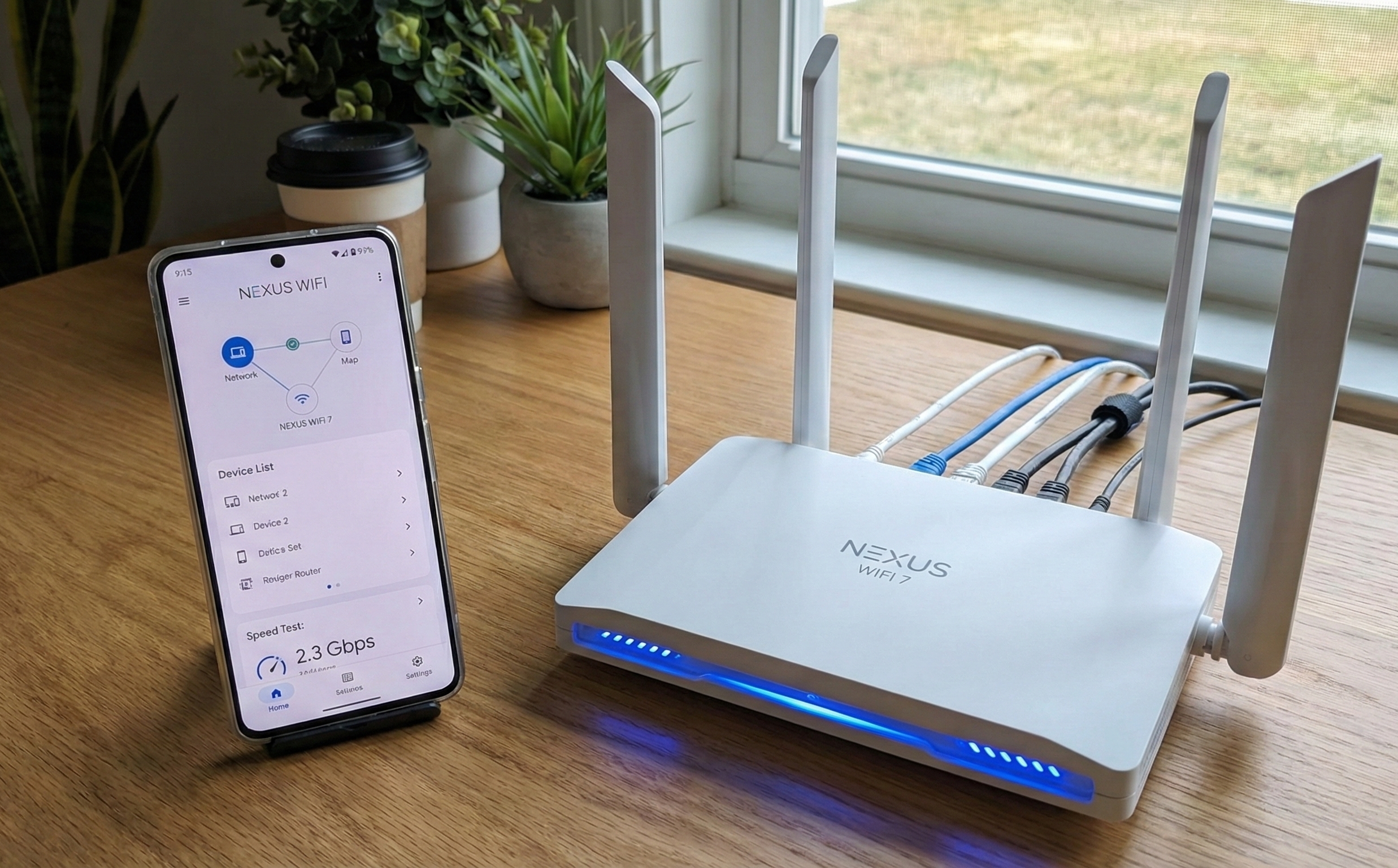
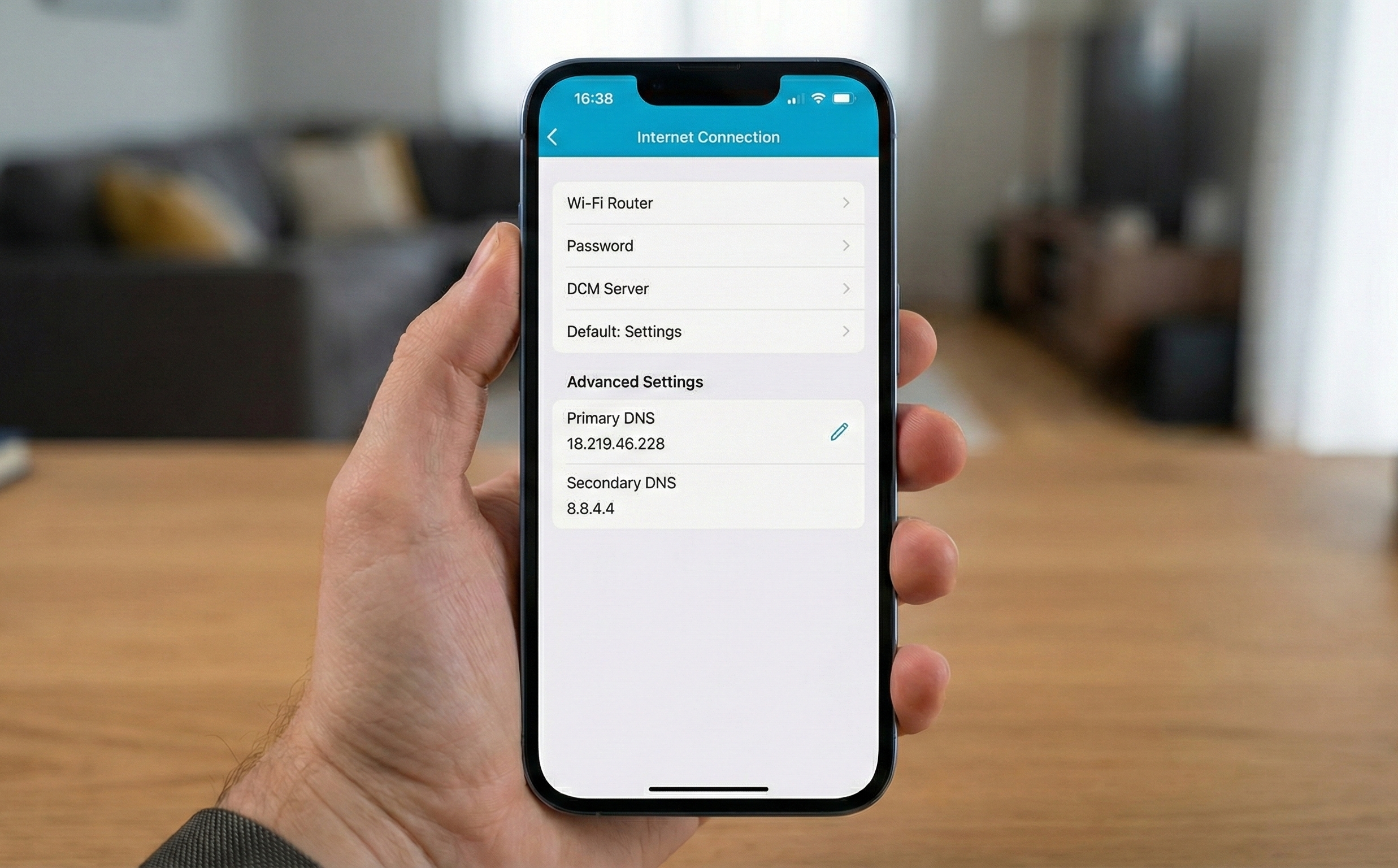
Change the 'Primary DNS' setting on your home router to point to Kavalan. The Kavalan set up guide will walk you through instructions on how to do this for most major router brands.
Access and view your personal Kavalan dashboard to see how Kavalan protected your home. You can access your dashboard from anywhere in the world.

Try the Kavalan Light version free for 30 days. Try on one device or the whole house - your choice! No credit card needed.


